How to Keep Customers Updated Without Spamming Them | Announcify
Customer Communication6 min read
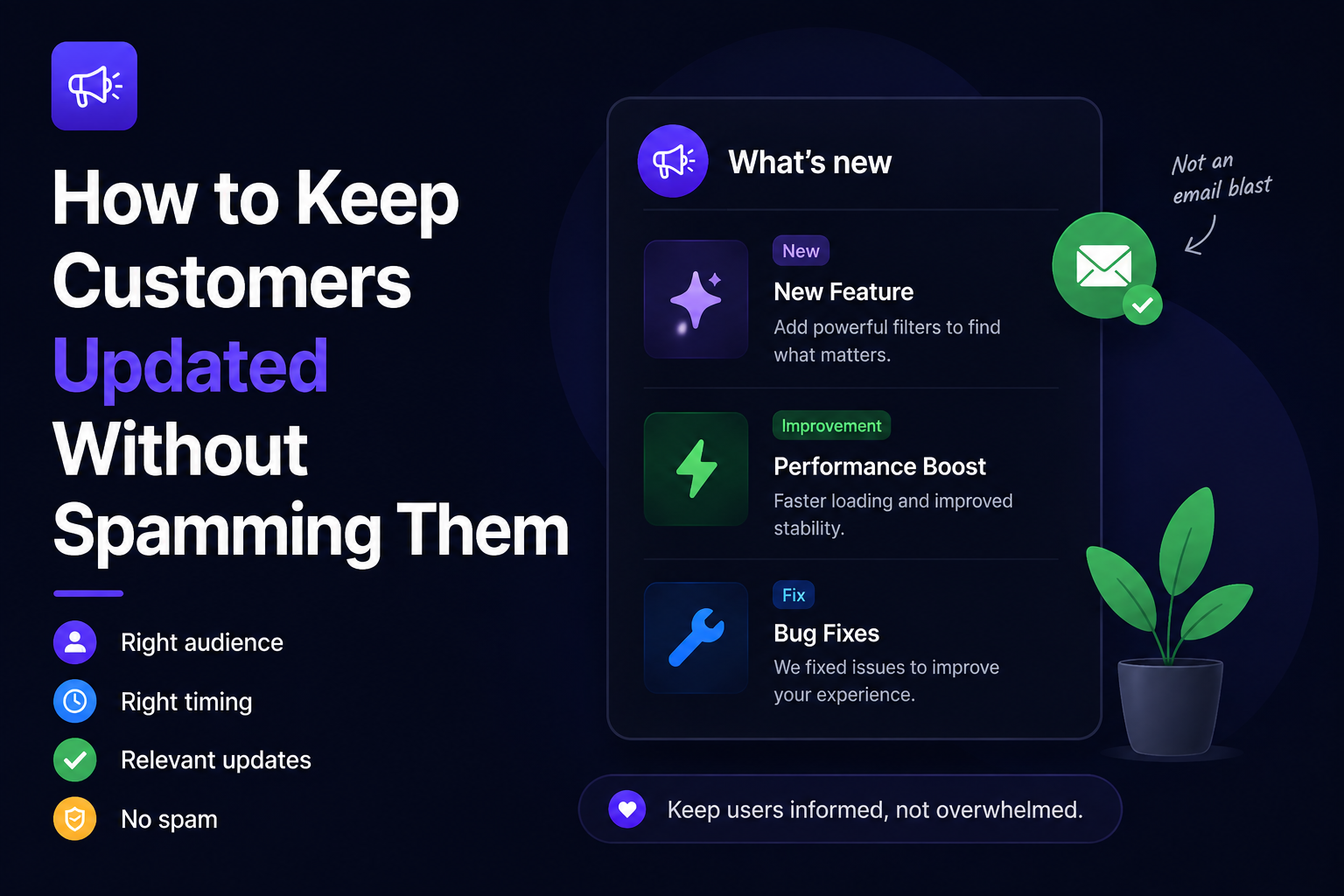
How to Keep Customers Updated Without Spamming Them
Aug 3, 2026
Ahmed Errami
Introduction
Every SaaS founder wants to keep customers informed.
The challenge is figuring out how much communication is too much.
Send an email for every small bug fix, and customers will eventually stop opening your messages. Push too many notifications, and users will start ignoring them—or worse, disable them altogether.
On the other hand, if you rarely communicate product updates, customers may never discover the features you've worked so hard to build. Low feature adoption, confused users, and missed opportunities are often the result of under-communication, not poor product development.
The goal isn't to send fewer updates.
It's to send the right updates through the right channels.
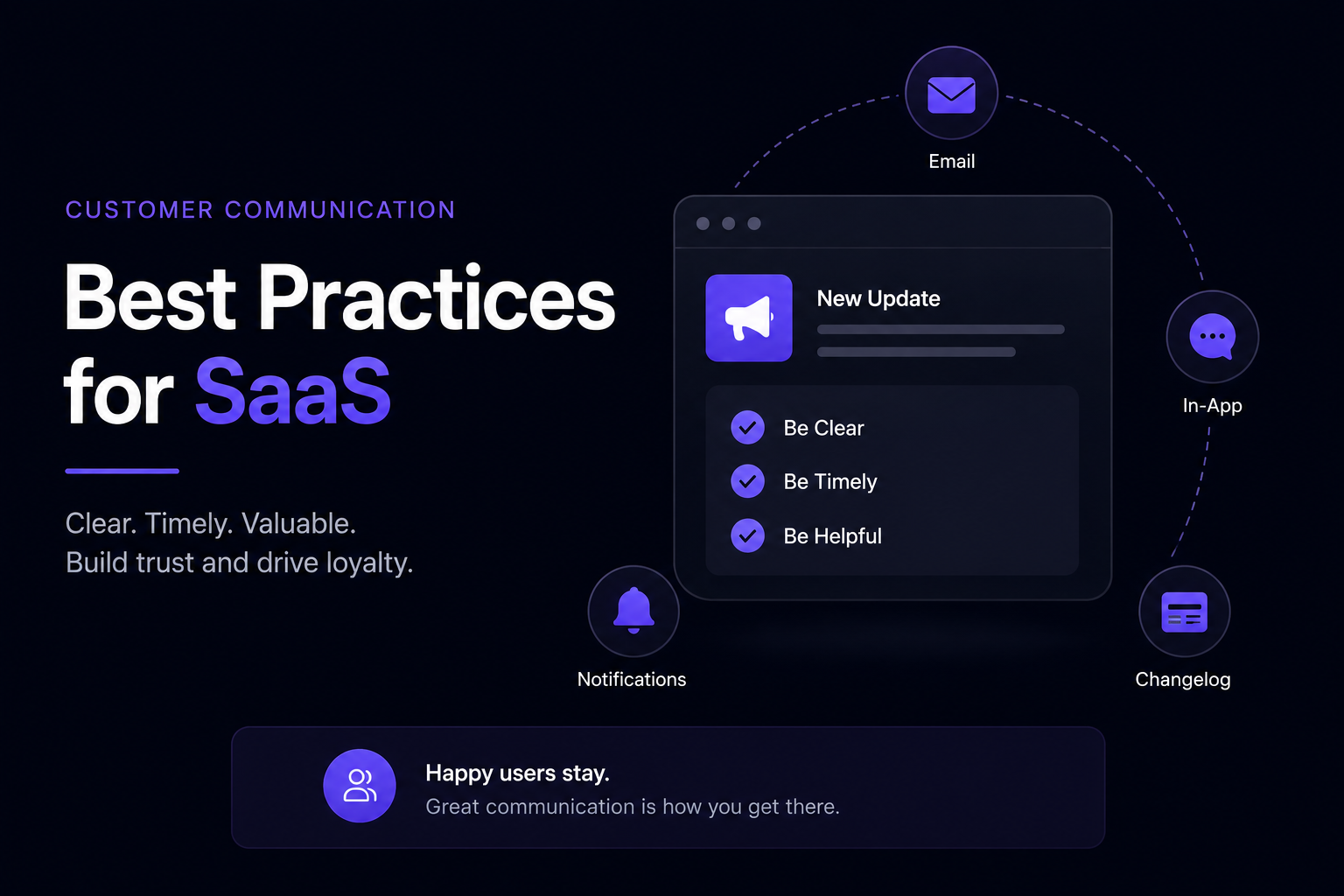
The best SaaS companies don't rely on a single communication method. They combine public changelogs, in-app notifications, emails, blog posts, and social media to make sure customers discover important updates without feeling overwhelmed.
In this guide, you'll learn how to strike that balance. We'll cover when to send emails, when to use in-app notifications, what belongs in a changelog, and practical strategies for keeping customers informed without turning every product update into another interruption.
Because good product communication doesn't feel like spam.
Most founders don't struggle because they don't care about communicating with customers.
They struggle because they're trying to solve two competing problems at the same time.
On one hand, you want every customer to discover the new features you've built.
On the other, you don't want to interrupt people so often that they start ignoring your messages.
Finding the right balance isn't easy.
Too Many Updates Lead to Notification Fatigue
Imagine receiving an email every time a SaaS product:
Fixed a small bug
Improved loading speed
Changed a button color
Updated a tooltip
Added a keyboard shortcut
Even if those improvements are valuable, most users don't want an inbox full of minor product updates.
Eventually they'll:
Ignore your emails
Mute notifications
Unsubscribe from your mailing list
Once that happens, they'll probably miss the updates that actually matter.
Too Few Updates Hurt Feature Adoption
The opposite problem is just as common.
Many SaaS teams spend weeks building a feature, publish a short release note, and never mention it again.
As a result:
Customers don't discover new features.
Support teams answer the same questions repeatedly.
Product adoption stays low.
Teams assume the feature wasn't valuable.
Often, the feature wasn't the problem.
The communication was.
Different Updates Deserve Different Channels
Not every product update deserves an email.
Likewise, not every update should stay hidden in a changelog.
Think about how important the change is.
For example:
Update
Best Channel
Major new feature
Email + In-app + Changelog + Social Media
New integration
Changelog + In-app + Email
Performance improvement
Changelog
Bug fixes
Changelog (grouped together)
Security update
Email + Changelog
Choosing the right channel is often more important than deciding how often to communicate.
Good Communication Feels Helpful, Not Interruptive
The best product communication doesn't constantly demand attention.
Instead, it appears when users need it.
For example:
A public changelog lets users browse updates whenever they want.
An in-app widget introduces new features while customers are already using your product.
Email is reserved for important announcements that deserve immediate attention.
Each channel has a different purpose.
Using them together keeps customers informed without making every update feel like another notification.
That's the mindset behind effective SaaS communication:
Don't send more messages. Send smarter ones.
What Counts as a Customer Update?
One of the biggest reasons founders accidentally spam their users is that they treat every change as something worth announcing.
It isn't.
Customers don't need to know about every commit, database migration, or internal refactor. They care about changes that improve their experience.
A simple rule is:
If the update creates value for customers, it's worth communicating.
That doesn't mean every update deserves an email—but it probably deserves to be documented somewhere, like your public changelog.
Here are the types of updates that are usually worth sharing.
New Features
New features are the easiest updates to communicate because they give customers something new to try.
Examples include:
AI-powered search
Custom domains
Dark mode
Team workspaces
Mobile app support
These updates often deserve multiple channels, including email, your changelog, and an in-app announcement.
Improvements
Customers appreciate improvements just as much as new features.
Examples include:
Faster loading times
Simpler workflows
Better navigation
Improved onboarding
More reliable search
The key is to explain the benefit rather than the technical implementation.
Important Bug Fixes
You don't need to announce every minor bug fix.
Instead, communicate fixes that:
Solve a common customer complaint
Remove a major frustration
Improve reliability
Address a frequently reported issue
Smaller fixes can be grouped into a single "Bug Fixes & Improvements" update.
New Integrations
Adding integrations with popular tools is often a significant improvement for existing customers.
Examples include:
GitHub
Linear
Slack
Zapier
Jira
Instead of simply announcing the integration, explain how it improves your customers' workflow.
Internal Changes
Some updates simply aren't relevant to customers.
Examples include:
Refactoring code
Database optimizations
Infrastructure upgrades
Dependency updates
Internal admin tools
These improvements are valuable, but customers usually care about the outcome, not the engineering work behind it.
If an internal change results in a noticeable benefit—such as faster performance or better reliability—communicate the benefit instead of the technical details.
Think Like Your Customer
Before publishing any update, ask yourself one simple question:
"If I were a customer, would I care about this?"
If the answer is yes, share it.
If the answer is no, it probably belongs in your internal release notes instead of your customer-facing communication.
This simple filter helps you avoid overwhelming users while ensuring they never miss the updates that genuinely improve their experience.
Remember, the goal isn't to communicate everything.
It's to communicate everything that matters.
7 Ways to Keep Customers Updated Without Spamming Them
There's no perfect number of emails or notifications you should send.
The goal isn't to communicate less—it's to communicate more intentionally.
These seven practices will help you keep customers informed while respecting their time and attention.
1. Only Announce Changes That Matter
Not every improvement deserves an email.
Ask yourself:
Will this change make a noticeable difference to my customers?
If the answer is yes, announce it.
If not, add it to your changelog and move on.
For example, a new integration or major feature deserves broad communication. A small UI tweak or internal refactor probably doesn't.
The more selective you are, the more attention customers will pay to your announcements.
2. Match the Channel to the Importance of the Update
Different updates deserve different communication channels.
Here's a simple framework:
Update
Best Channels
Major feature
Email, in-app, changelog, social media
New integration
Changelog, in-app, email
Workflow improvement
Changelog, in-app
Bug fixes
Changelog
Security update
Email, changelog
This approach prevents your inbox from becoming a stream of minor announcements while still making important updates highly visible.
3. Let Customers Discover Updates Inside Your Product
Email isn't the only way to communicate.
In fact, many updates are better delivered while customers are actively using your product.
An in-app changelog or "What's New" widget lets users discover new features naturally, without interrupting their day.
It also increases the chances they'll try the feature immediately because they're already in the right context.
4. Group Small Updates Together
If you ship every day, don't send an email every day.
Instead, combine smaller improvements into a single update.
For example, instead of publishing three separate announcements:
Improved search speed
Fixed mobile navigation
Added keyboard shortcuts
Publish one update called:
Performance & Usability Improvements
Grouping related changes reduces noise while still keeping customers informed.
5. Keep Every Update Short
Customers rarely want a detailed explanation of every release.
Start with the essentials:
What's new?
Why does it matter?
How do I use it?
If the update needs more explanation, link to a blog post or documentation instead of making the announcement longer.
A good product update should be easy to read in under a minute.
6. Make Your Public Changelog the Source of Truth
Think of your public changelog as your product's history.
Every meaningful update should live there, even if it isn't announced through email or social media.
This gives customers one reliable place to catch up on everything they've missed.
It also saves your team from wondering where an announcement should be published first.
When in doubt, publish it to your changelog.
7. Give Customers Control
Not every customer wants the same level of communication.
Some want to hear about every new feature.
Others only care about major releases.
Whenever possible, let users control how they receive updates.
For example, they might choose to:
Subscribe to email updates
Follow your changelog RSS feed
Read updates inside your app
Check your public changelog when they need it
Giving users options reduces the feeling of being overwhelmed because they're choosing how they stay informed.
The Best Communication Strategy
The most effective SaaS companies don't rely on a single channel.
Instead, they use each channel for a different purpose:
Your public changelog becomes the complete history of your product.
Your in-app widget helps active users discover new features.
Email is reserved for important announcements.
Social media reaches your wider audience.
Blog posts provide deeper explanations for major releases.
By assigning a clear role to each channel, you avoid overwhelming customers while making sure important updates never go unnoticed.
The result isn't fewer product updates.
It's better communication.
Frequently Asked Questions
How often should I update my customers?
There isn't a universal schedule.
Instead of communicating on a fixed timeline, publish updates whenever you've shipped something that provides meaningful value to customers. Some SaaS companies publish weekly, while others communicate every two to four weeks.
The important thing is consistency, not frequency.
Should I email customers about every new feature?
No.
Email should be reserved for updates that have a significant impact, such as major features, new integrations, pricing changes, or important security announcements.
Smaller improvements, bug fixes, and usability enhancements are usually better suited for your public changelog or an in-app changelog widget.
What's the best way to announce product updates?
The most effective approach is to use multiple channels, each with a specific purpose.
For example:
Publish every meaningful update in your public changelog.
Highlight new features with an in-app widget.
Send emails for major releases.
Share highlights on social media.
Write blog posts for larger feature launches.
This helps customers discover updates without relying on a single communication channel.
What's the difference between a product update and a release note?
A product update is any communication about improvements to your product.
A release note is a more detailed explanation of a specific update, often published as part of your public changelog.
In other words, every release note is a product update, but not every product update needs to be a detailed release note.
Should I announce bug fixes?
Yes, but only when they're meaningful to customers.
If you've fixed a common issue, improved reliability, or resolved a problem that affected many users, it's worth mentioning.
Minor fixes can be grouped into a single update instead of announcing each one separately.
Do customers actually read product updates?
They do—when the updates are relevant.
Customers are much more likely to read announcements that clearly explain:
What's new
Why it matters
How to get started
Long, technical announcements about small changes are far more likely to be ignored.
Where should I publish product updates?
A public changelog should be the primary home for your product updates.
From there, you can share important announcements through email, display them in your product with an in-app widget, publish detailed blog posts for major releases, and highlight key updates on social media.
Using multiple channels helps you reach customers where they already spend their time.
How can I avoid overwhelming customers with updates?
Focus on communicating value rather than every change you make.
Only announce updates that customers will notice or benefit from, keep your messages concise, group smaller improvements together, and use different channels for different types of announcements.
This keeps customers informed without creating notification fatigue.
Should I have a public changelog?
Yes.
A public changelog gives customers one place to see everything you've shipped, helps new users understand how your product evolves, and creates a transparent record of your progress.
It's also useful for SEO because it provides fresh, indexable content that can support your broader content strategy.
What's the best tool for keeping customers updated?
The best tool depends on your workflow.
If you're looking for a simple way to publish product updates, maintain a public changelog, embed an in-app changelog widget, and automate release notes from tools like GitHub and Linear, Announcify is designed specifically for SaaS teams that want to communicate product updates without adding unnecessary complexity.
Conclusion
Keeping customers updated doesn't mean sending more emails or more notifications.
It means communicating the right information through the right channels at the right time.
When you focus on meaningful updates, use a mix of communication channels, and make it easy for customers to discover what's new, you keep users informed without overwhelming them. Over time, this leads to better feature adoption, stronger customer relationships, and more trust in your product.
Remember:
Announce changes that create real value.
Match the communication channel to the importance of the update.
Keep updates short and focused.
Use your public changelog as the single source of truth.
Reserve email for announcements that truly deserve attention.
Your customers don't expect to hear from you every day.
They expect to hear from you when it matters.
If you consistently deliver relevant, helpful product updates, your messages will feel like a service—not spam.
Keep Customers Informed with Announcify
Announcify helps SaaS teams communicate product updates without overwhelming their users.
With a public changelog, an in-app changelog widget, AI-assisted release notes, and integrations with GitHub and Linear, you can publish updates once and make them easy for customers to discover.
Instead of wondering whether to send another email, give customers a central place to stay informed—and let them catch up on product updates whenever they're ready.
Because great product communication isn't about making more noise.
It's about making every update count.
Ahmed Errami
I'm a full stack developer who is passionate about building products that help people. I'm also the founder of Announcify.
Product Updates
Sep 5, 20268 min read
Best AI Release Notes Generators
Manually writing release notes after every deployment takes time. Here are the best AI release notes generators for turning your development workflow into clear, customer-friendly product updates.
 Ahmed Errami